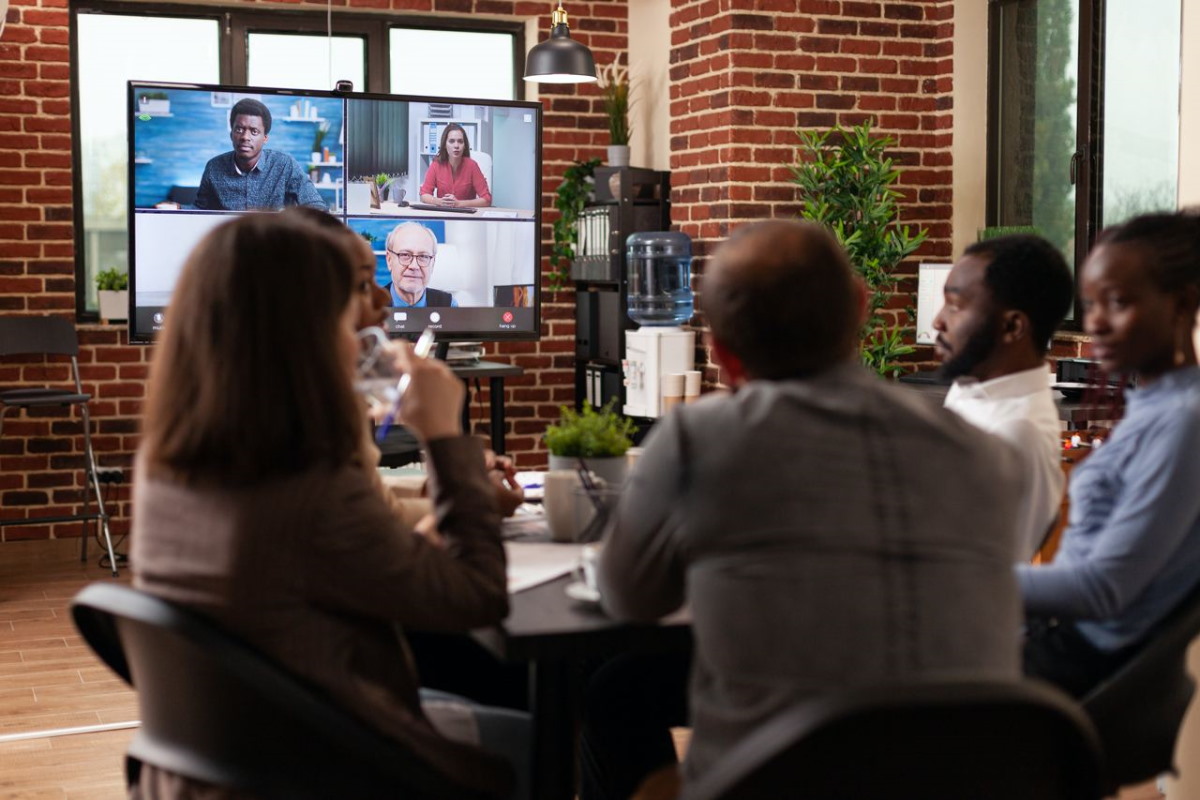
Embedding video in your product is often sold as an engagement fix in itself. It isn't. A video window nobody interacts with is just one more thing on the page. What moves engagement is keeping the conversation inside your product and giving people something to do once they are in it. This piece covers how to get both right, which Digital Samba features do the work, and what recent research says about where video calls help and where they quietly backfire.
Table of contents
- What is embedded video conferencing?
- Why adding video, on its own, doesn't lift engagement
- The three layers that make embedded video engaging
- The trade-off to plan for: encryption vs the interactive layer
- Best practices for implementation
- Frequently asked questions
- Conclusion
What is embedded video conferencing?
Embedded video conferencing is real-time video calling built directly into your website or app, rather than a separate tool your users have to open. Instead of sending a meeting link, you put a 'Start video call' button exactly where the conversation belongs: on a support page, inside a lesson, next to a patient record. It runs on two building blocks a video platform gives you: a software development kit (SDK) for the in-product call interface, and an application programming interface (API) that handles rooms, media, recordings, and data behind it. Together they let you add calls without building video infrastructure yourself, and they keep the whole interaction, and the data it generates, inside your own product.
Why adding video, on its own, doesn't lift engagement
The honest finding from recent research is that the medium isn't the problem, the way you use it is. A 2025 study in the Journal of Occupational Health Psychology tracked 945 real meetings and found video calls were no more draining than other meeting types. Calls under about 44 minutes were actually less draining, an advantage that disappeared once they ran longer. A separate 2025 study in Scientific Reports found that something as small as letting people turn off self-view, the small thumbnail of their own camera, lowered their cognitive load and fatigue. And Wistia's 2026 State of Video, built from 13 million videos, found a plain pattern: the shorter the video, the higher the engagement rate.
Put together, the lesson is specific. Video holds attention when it is short, sits in context, gives people control, and gives them something to do. Let a call sprawl into a long, passive broadcast and it drains people instead. So the real question is how to design the moment around the video, and that comes down to three layers.
The three layers that make embedded video engaging
The interaction layer: turn viewers into participants
This is the layer most 'add a video call' projects skip, and the one that actually changes behaviour. The aim is an act-and-respond loop, so people take part rather than only watch. Digital Samba's interactive tools cover this directly: live polls with up to 30 answer options, Q&A where participants submit and upvote questions and moderators curate them, hand raise, emoji reactions, and quizzes to check understanding mid-session. For collaborative work there is a shared whiteboard, screen sharing, breakout rooms for small-group discussion, and the option to push content and files straight to participants. Quieter people get a low-effort way in through a poll or an upvote, and everyone gets a reason to stay active.
The continuity layer: keep the value flowing
Engagement is not only the live moment. This layer removes the friction that loses people and extends a single call into something they come back to. Browser-based join, with no download or separate account, closes the biggest drop-off point before the call even starts. High-definition video and clear audio keep a call usable enough to stay in. Cloud recording with shareable replays, plus AI transcription and live captions, turn a missed session into on-demand content and make it accessible. Solid mobile support and integrations with the calendars and tools your users already use mean fewer tabs and fewer reasons to drop out.
The trust layer: people engage when they feel safe
People speak freely only when they trust the room. End-to-end encryption, role and permission controls, a waiting room, and remote muting give you that, though encryption carries one trade-off worth planning for, which the next section covers. So does something simpler: control over how people appear. Virtual backgrounds and the option to turn off self-view lower the barrier to switching the camera on, and the research above shows self-view control measurably cuts fatigue. Cameras on, willingly, is where engagement lives.
The trade-off to plan for: encryption vs the interactive layer
Here is the detail most guides leave out: security and interactivity pull against each other, so decide per room rather than assume you get both. With Digital Samba, when a room runs with end-to-end encryption, the features that read or store the stream switch off: polls, Q&A, transcription, live captions, and cloud recording. That is by design, because an end-to-end encrypted stream gives the server nothing it can read or save. The practical rule: reserve E2EE for genuinely confidential calls, and keep the interactive layer for sessions where engagement is the point. Trying to run both on the same call is the quiet reason some 'secure and interactive' rollouts disappoint.
Best practices for implementation
- Put the call at the decision moment. The button should sit where a conversation would obviously help: checkout for a high-value purchase, a stuck support ticket, the start of a lesson. Placement does most of the work.
- Keep it short. The research points to a sweet spot: calls under about 44 minutes were less draining than other meetings, with the benefit fading beyond that. Design for focused sessions, not marathons.
- Lead with interaction. Open the first few minutes with a poll, a chat prompt, or an invitation to post questions, rather than a monologue. A call people take part in beats one they sit through.
- Give people control. Let participants turn off self-view, change their background, and manage their own camera and microphone. Control lowers fatigue and gets more cameras on.
- Make joining one click. Browser join, no download, no separate account. Every extra step costs you participants before the call starts.
- Measure the lift. Use the platform's usage statistics to compare engagement, attendance, and return usage for people who use the video feature against those who don't, per room and period. Let the data drive where you place it next.
Frequently asked questions
What is embedded video conferencing?
It's video calling built into your own app or website through an SDK and API, so users start and join calls without leaving your product or installing anything separate.
How does embedded video conferencing improve user engagement?
It keeps interactions inside your product and adds an interactive layer, such as polls, Q&A, reactions, quizzes, and shared whiteboards, that turns passive viewers into active participants. Recent research suggests the design of the call, its length, its interactivity, and whether people have control, matters more than the video itself.
Which interactive features increase engagement during a call?
The ones that create an act-and-respond loop: live polls, Q&A with upvoting, hand raise, emoji reactions, quizzes, a shared whiteboard, breakout rooms, and pushing content to participants. These give quieter attendees a low-effort way to take part.
Does end-to-end encryption affect the interactive features?
Yes. With Digital Samba, turning on end-to-end encryption disables polls, Q&A, transcription, live captions, and cloud recording, because an encrypted stream can't be read or stored server-side. Use E2EE for confidential calls and keep the interactive layer for engagement-focused ones.
How do I measure whether embedded video improves engagement?
Track attendance, participation, session length, and return usage through the platform's statistics, and compare users who use the video feature against those who do not.
Conclusion
Embedding video keeps users in your product; designing the moment around it is what keeps them engaged. Keep calls short and in context, build in the interactive layer, give people control, and decide deliberately when encryption is worth trading that interactivity away. Then measure the lift rather than assume it.
Ready to keep your users engaged? Sign up for Digital Samba Embedded and add a video chat SDK and API to your website or app. The free tier includes 10,000 minutes a month to get you started.