
Share this
by Dušan Savić on May 13, 2026
Available from 8 May, 2026
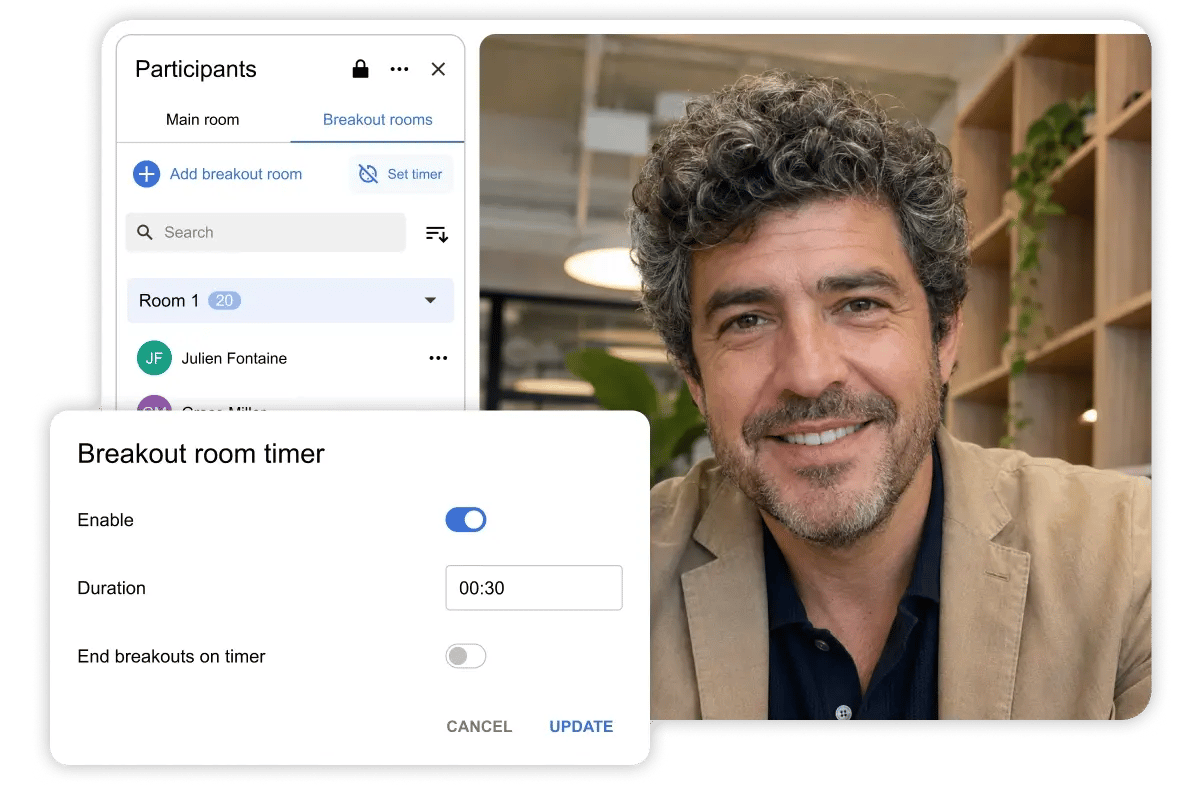
Explore what's new in Digital Samba 638! This release adds the ability to edit breakout room settings during a session, individual content close so items can be removed one at a time, and full Q&A lifecycle management via the API. We've also updated the polls and quizzes naming, added sorting by last name in breakout panels. Read on to discover what's new, and don't forget to check the latest updates in Digital Samba Free.
Digital Samba Embedded Dashboard and API
New Features
-
Added API support to manage the full Q&A lifecycle externally, including editing, deleting, dismissing and reopening questions, creating and editing answers, and receiving webhooks for related updates.
-
Added updated permission naming from "Take polls" to "Take polls & quizzes", now allowing submission in both polls and quizzes, except for quizzes created by the same user.
In-Room
New Features
-
Added the ability to view and update breakout room settings during a session, including timer, duration and automatic end behaviour, removing the need to recreate breakouts to adjust timings.
-
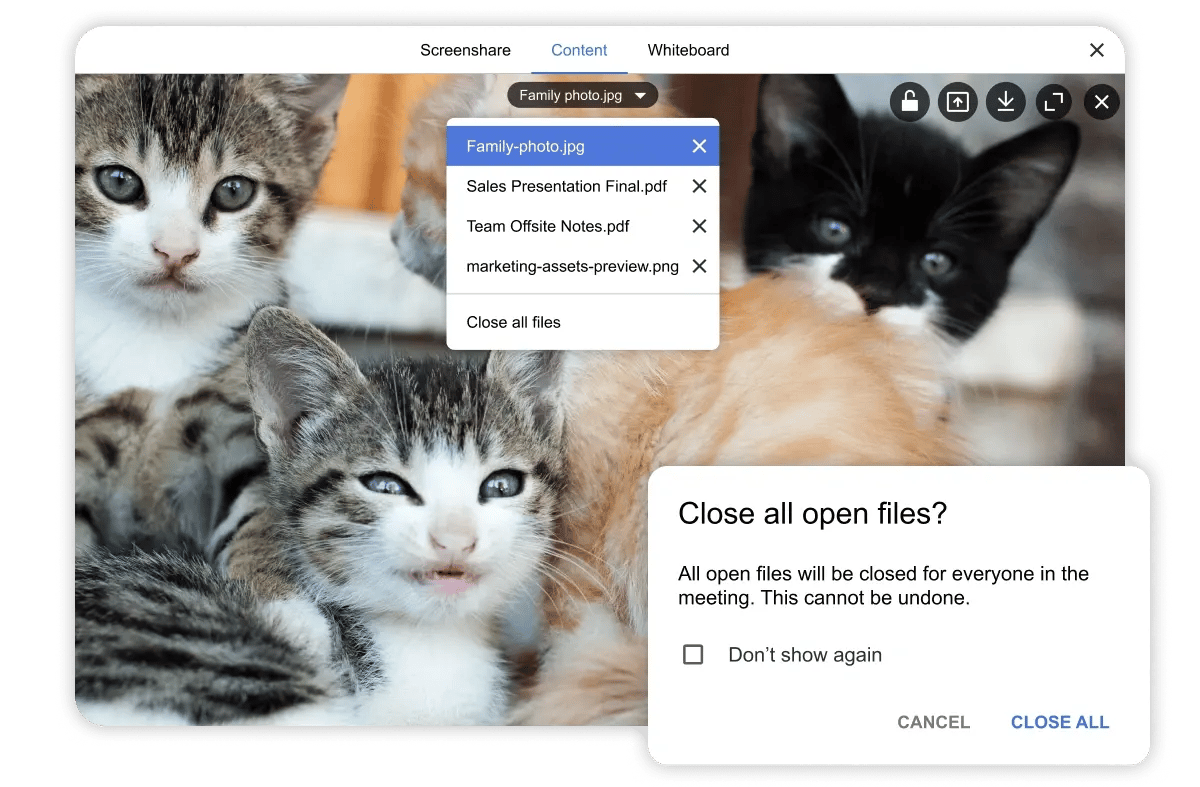
Added the ability to close content items individually during a session.
-
Added sorting by last name in the breakout panel participants list.
-
Added updated UI naming to "Polls & Quizzes".
Fixed
-
Fixed an issue where the Join button became disabled if the camera was turned off in Windows Device Manager while on the Join screen.
-
Fixed an issue where the Picture-in-Picture button was shown on mobile devices even though the feature was unavailable.
Digital Samba Free
-
Added support for custom recurring meeting intervals, including options such as every two weeks and custom monthly recurrence patterns.
-
Added the ability to change participant type inline after adding them to a call, without needing to remove and re-add them.
-
Added template descriptions below the selected template in the Schedule a Call screen.

