
Share this
by Dušan Savić on February 5, 2026
Available from 30 January, 2026
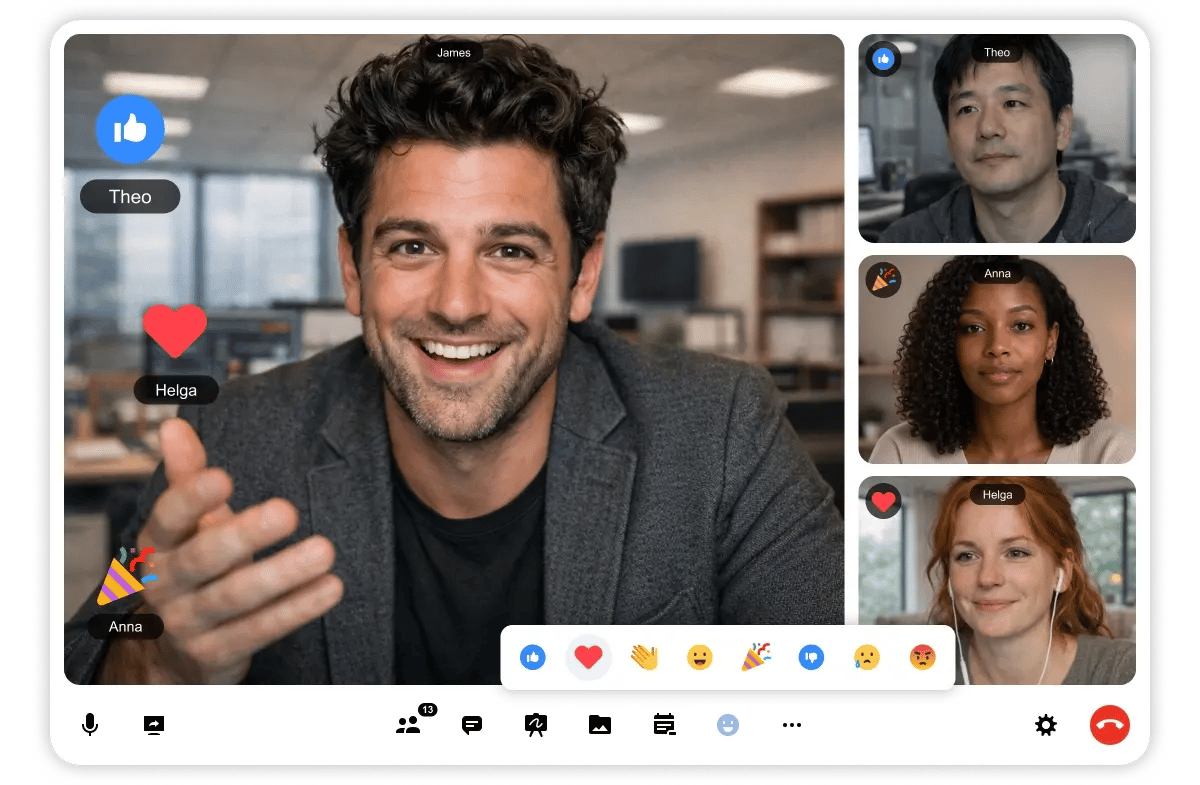
Explore what’s new in Digital Samba 631! This release introduces emoji reactions with flexible room and role controls, new Picture-in-Picture settings, and expanded transcription support for phone audio streams. We’ve also added new keyboard shortcuts for the join screen and chat, improved mobile optimisation in Digital Samba Free, and delivered a wide range of in-room fixes to enhance stability and usability.
Digital Samba Embedded
Dashboard and API
New Features
-
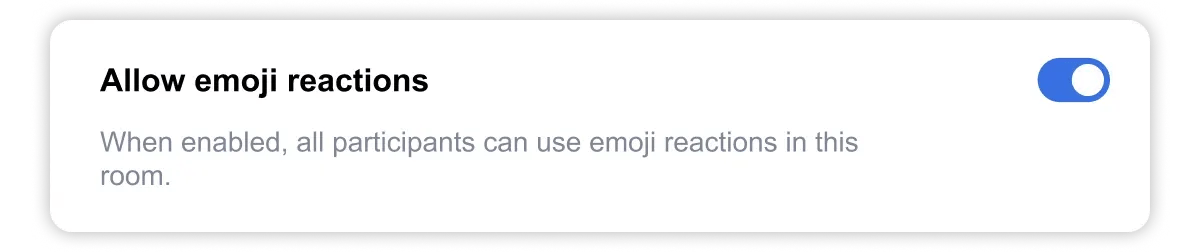
Added a new room setting “Allow emoji reactions”, giving moderators control over whether emoji reactions are enabled in the room.
-
Added a new role permission for emojis, allowing finer control over who can send emoji reactions during a session.
-
Added a new room setting to enable or disable automatic Picture-in-Picture.
In-Room
New Features
-
Added in-room emoji reactions with a new emoji button in the bottom menu bar and a compact reaction tray. Selected reactions animate across the session, adding a lively, real-time way to express feedback before smoothly disappearing from view.
-
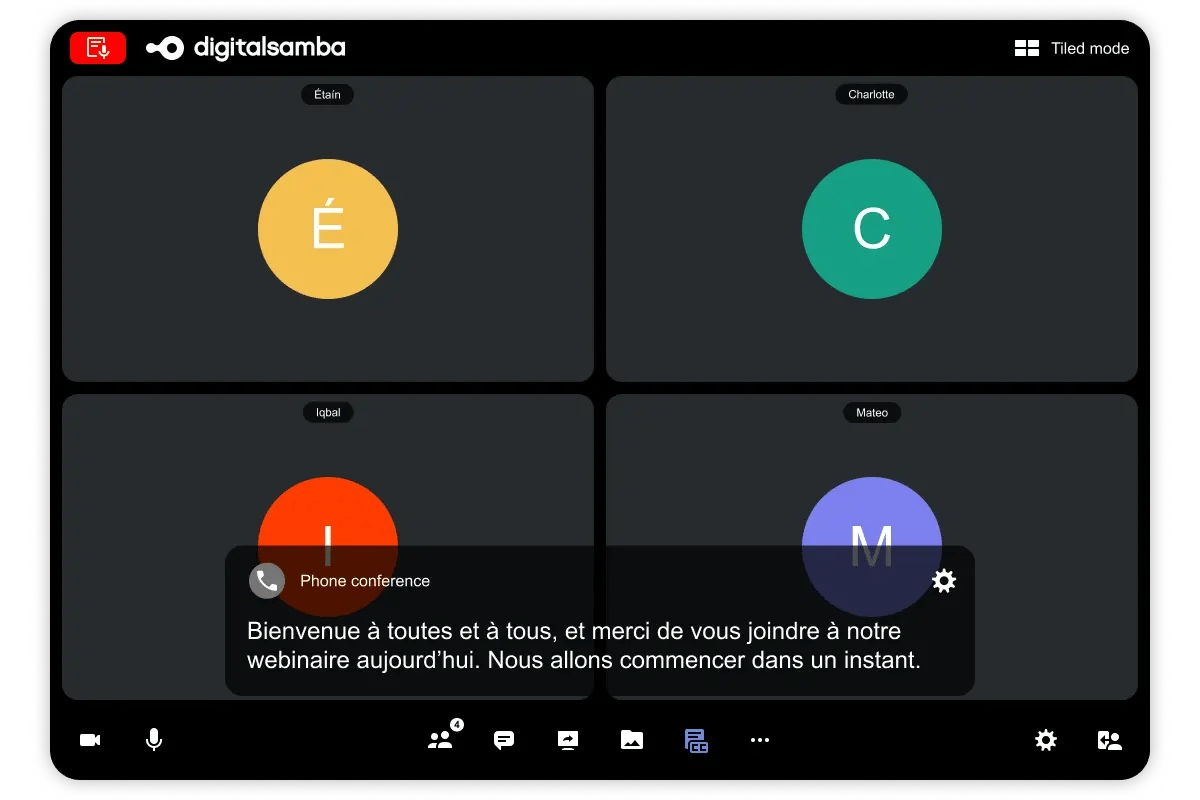
Added transcription support for phone audio streams in the room.
-
Added new keyboard shortcuts for the join screen and chat:
Join screen
Toggle microphone: Alt + Shift + A (Windows), ⌘ + Shift + A (macOS)
Toggle camera: Alt + Shift + V (Windows), ⌘ + Shift + V (macOS)
Join meeting: Alt + Shift + J (Windows), ⌘ + Shift + J (macOS)
Chat
Show or hide chat panel: Alt + H (Windows), ⌘ + Shift + H (macOS)
Focus the chat input field: Alt + Shift + E (Windows), ⌘ + Shift + E (macOS)
Focus “Add member to group chat”: Ctrl + Alt + I (Windows), ⌘ + I (macOS)
Fixed
-
Fixed an issue where screen sharing could remain stuck on “Connecting” for some moderators after restarting a screen share or opening and closing a whiteboard.
-
Fixed an issue where the moderator’s name was missing from the breakout broadcast message in E2EE rooms.
-
Fixed an issue where an attendee’s microphone could remain inactive for remote participants after being given broadcast permission.
-
Fixed an issue where microphone status indicators could become inconsistent between the video tile and the participants panel.
-
Fixed an issue where the whiteboard toolbar menu remained open after creating a whiteboard.
Digital Samba Free
-
Added mobile optimisations for Digital Samba Free, improving the experience for participants on mobile devices.
-
Added support for restreaming through our templates.
-
Added automatic Picture-in-Picture opening on screen sharing, with the full PiP experience now available in the free version.

